 Ferowen by Enzonic
A lighter browser, built in Rust.
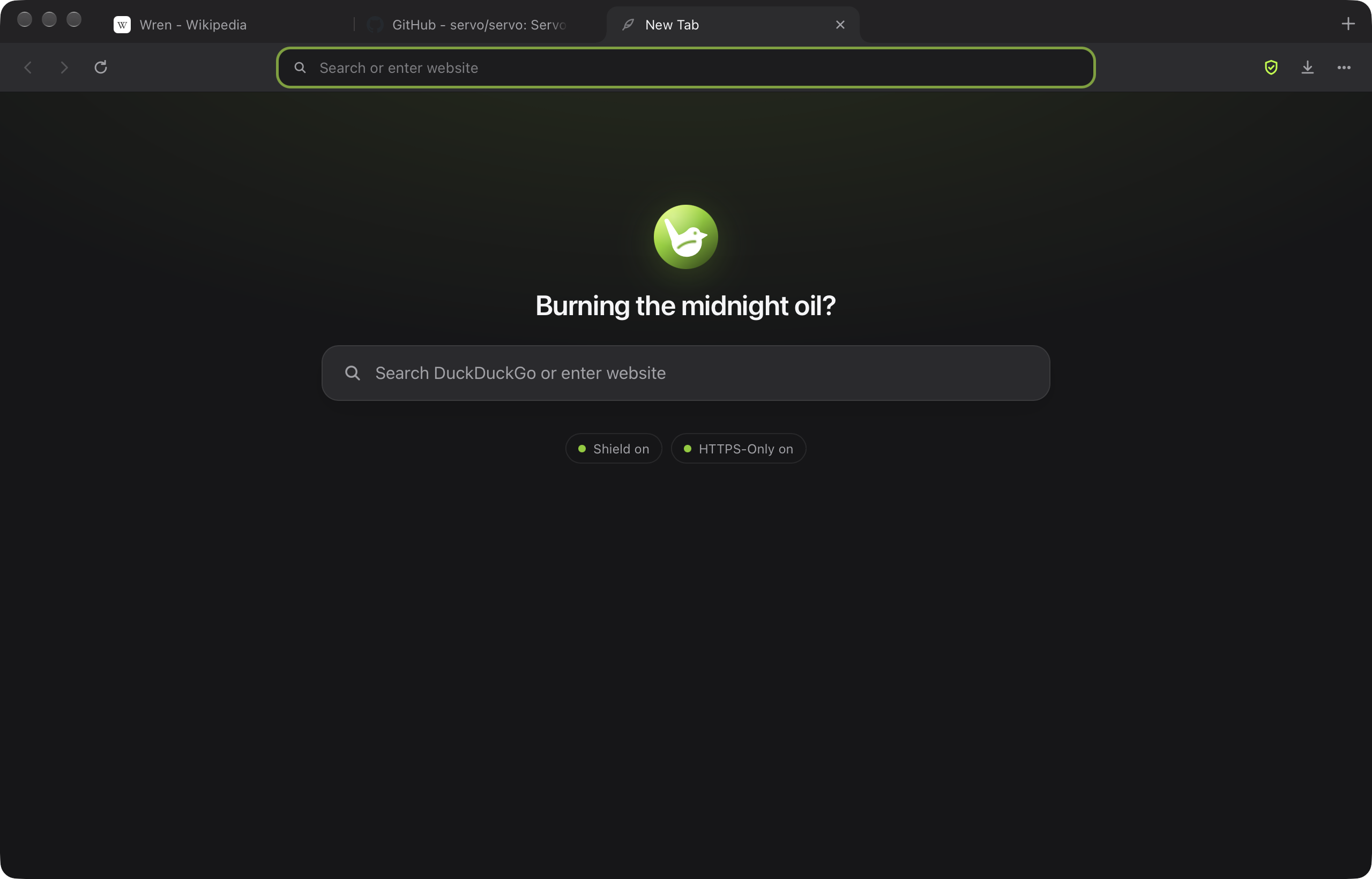
Ferowen puts background tabs to sleep, blocks trackers inside the engine, and keeps your history on your own computer. There is no Chromium inside it.
Version 0.2.0 · 2.4 MB · macOS 14 or later, Apple silicon. Windows and Linux builds are in testing and will be posted here when they pass.
This early build is not notarized by Apple yet. Drag Ferowen to Applications and open it; if macOS says it cannot verify the developer, go to System Settings, Privacy & Security, and click Open Anyway.
After 11 minutes, Ferowen uses 83% less memory than Chrome.
We opened the same five public pages in each browser on an Apple M4 running macOS 27.0.1 and added up the memory of every process each browser started. Lower is better in every column.
First minute: all five tabs awake
Measured 60 seconds after launch, before any tab has had a chance to sleep. Compared with Google Chrome, Ferowen used about the same memory and 92% less idle CPU. Compared with Firefox, Ferowen used 56% less memory and 97% less idle CPU.
| Browser | Memory | CPU used so far | CPU per idle minute | Processes |
|---|---|---|---|---|
| Ferowen | 843 MB | 31.08 s | 0.68 s | 13 |
| Google Chrome | 854 MB | 28.09 s | 8.99 s | 19 |
| Firefox | 1,895 MB | 65.92 s | 22.27 s | 25 |
After 11 minutes in normal use
Measured 11 minutes after launch with the last page in front. Ferowen's background tabs had gone to sleep under its default 10-minute setting; Chrome and Firefox applied their own defaults. Compared with Google Chrome, Ferowen used 83% less memory and 97% less idle CPU. Compared with Firefox, Ferowen used 92% less memory and 99% less idle CPU.
| Browser | Memory | CPU per idle minute | Processes |
|---|---|---|---|
| Ferowen | 139 MB | 0.09 s | 6 |
| Google Chrome | 839 MB | 2.96 s | 17 |
| Firefox | 1,644 MB | 13.45 s | 22 |
How this was measured
Pages: https://en.wikipedia.org/wiki/Rust_(programming_language), https://github.com/servo/servo, https://www.theverge.com/, https://www.youtube.com/, https://news.ycombinator.com/. Memory is the physical footprint reported by macOS footprint (the figure Activity Monitor shows), summed over the app and every helper process macOS attributes to it. "CPU used so far" is the CPU time used since launch (shown only for the first scenario, because processes that exit, such as a sleeping tab's, take their CPU history with them); idle CPU is the CPU time used over the following 60 seconds with the pages left open and untouched. Each browser used a fresh profile and its default settings, so Ferowen's tracker blocking and tab sleep were on, and Chrome and Firefox ran with their own defaults. The first scenario is the median of 3 runs; the second is a single run per browser. Ferowen's 11-minute run was repeated the same day on the same Mac after a fix that made tab sleep actually trigger; Chrome and Firefox figures are from the earlier run. Measured 2026-11-08. Run it yourself with bench_macos.py.
No Chromium. Two open-source engines instead.
Ferowen's shell (tabs, address bar, privacy rules, storage) is one Rust codebase. Underneath, it uses the best open engine each system offers.
WebKit on Mac
The open-source engine already built into macOS. Ferowen does not need to bring its own copy, which is why the Mac download is 2.4 MB, and engine security fixes arrive with your macOS updates.
Servo on Windows and Linux
The Rust engine Mozilla started as a successor to Firefox's engine, now run by the Linux Foundation, with Mozilla's SpiderMonkey for JavaScript. It is newer, so some complex sites may not work perfectly yet.
Tabs you are not using stop using memory.
A sleeping tab keeps its title and place in the tab strip but hands its engine process back to the system. Click it and the page loads again.
- After 10 minutes in the background
- A tab goes to sleep. You can pick 2 minutes, an hour, or never in Settings.
- At most 6 awake per window
- Open more and the least recently used ones sleep first.
- Never while you need it
- Tabs playing audio or video, in full screen, or holding text you have typed but not sent stay awake.
Your browsing stays on your computer.
Ferowen has no account, no sync, no analytics and no crash reporter. Enzonic receives nothing from the app. The details are in the privacy policy.
- Ferowen ShieldBlocks known trackers, ads and cryptominers from other sites, using a list built into the app. On Mac it runs as WebKit content rules, so pages pay no JavaScript cost for it.
- HTTPS-OnlyConnections are upgraded to HTTPS. If a site has no HTTPS at all, the address bar says Not Secure.
- Look-alike addresses exposedDomain names containing non-Latin letters are shown in their raw punycode form, so a fake "аpple.com" spelled with a Cyrillic letter appears as "xn--pple-43d.com".
- Private windows (Mac)Cookies and storage live only in memory and disappear when the window closes. Nothing reaches your history.
- Global Privacy ControlEvery site is told you do not want your data sold or shared.
- Search your wayDuckDuckGo by default; switch to Google, Bing, Brave Search, Startpage, Ecosia or Kagi. Address-bar suggestions come only from your own history and bookmarks.